The Differences between EPM-07 and EPM-15
Due to the difference in screen size between the EPM-07 and the EPM-15 devices, the user interface differs in the following ways:
| Onscreen Menus | |
|---|---|
|
EPM-07 - Select Options Select the Arrow |
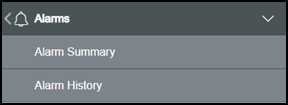
|
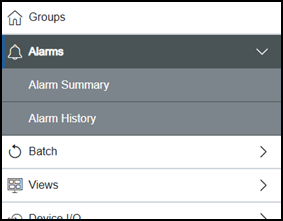
EPM-15 - Select Options  to
display the main menu which slides on to the screen from the left-hand side, if you select an option with a submenu, the submenu displays in place with the submenu. to
display the main menu which slides on to the screen from the left-hand side, if you select an option with a submenu, the submenu displays in place with the submenu. |
|
 to move back through the menus.