EPM Data Screen Access
The EPM Data Management is a permission-based solution. Each screen and function has a permission allocated to it, see Role Permissions for details.
If a user does not have access to:
-
A specific screen - The screen does not display on the Options
 menu and therefore cannot be selected.
 -
A specific functionality - Within a screen that the user has access to, they may not have permission to apply specific functionality. In this case the functionality is visible, but inactive. For example, a user has permission to access the Alarm Summary screen but not to acknowledge an alarm, the Alarm Summary screen is available from Options
- Alarms but Acknowledge  displays as inactive.
Access Denied
If a logged‑in user opens a restricted screen and another user without the required permissions logs in, the Access Denied screen displays:
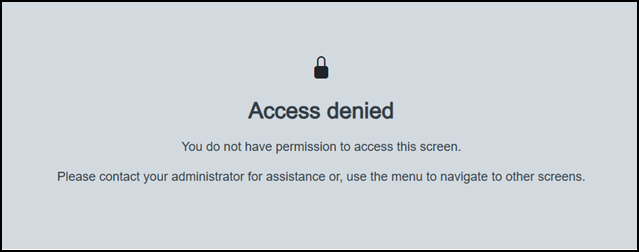
Select Options to display the options available for the newly logged in user.
Last update - April 2026