Jobs

A Job is the process you want triggered when a specified condition is met. For example, if you want a Timer to start a particular alarm triggers, Jobs is where that trigger and Action are defined.
The type of action, available for selection when you set up a Job, depends on the type of Trigger source:
-
Continuous actions - Available from channels only:
-
While active
-
While inactive
-
While unacknowledged
-
-
One off actions:
-
On becoming active
-
On becoming inactive
-
On acknowledgment
-
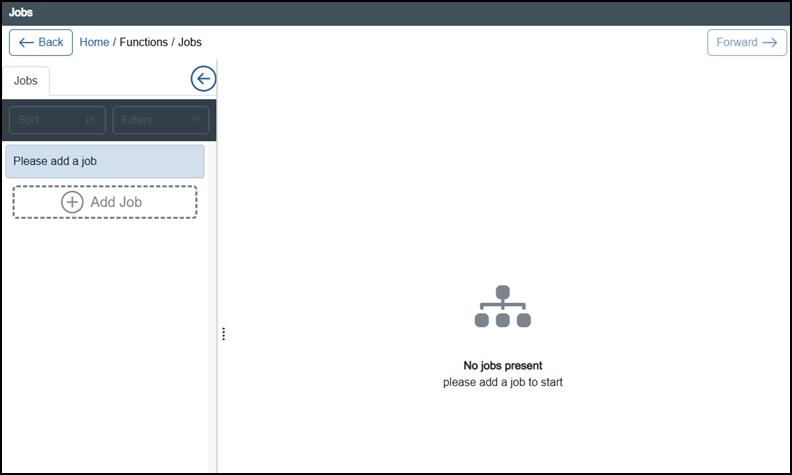
The Jobs screen enables you to view all Jobs in one place.
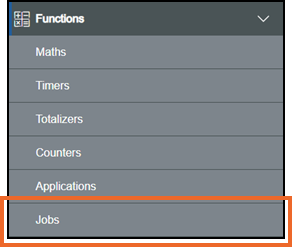
To access the Jobs screen, from the EPM User Interface screen, select Options  - Functions - Jobs
The Jobs screen displays
Last update - May 2026