Viewing Group Channels
To view channels within a Group:
Note - You can only access this function if you have the Can access Group permission. To add, update or delete a Group, you must also have the Can configure permission. If you need to access these functions and do not have permission, please contact your system administrator.
-
From the EPM User Interface screen, select Options
 - Groups: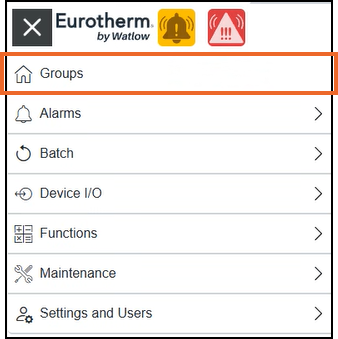
-
From the Groups screen, identify the required Group card and select View channels:
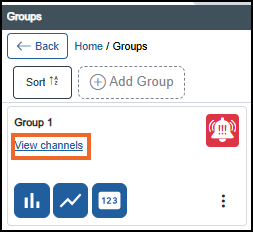
-
The Group Channel screen displays:
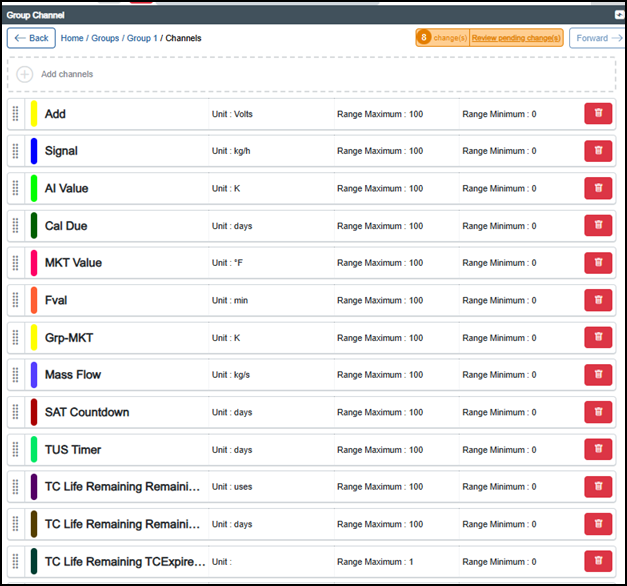
Related topics - Adding a Channel to a Group, Configuring Groups Settings, Moving a Group Channel, Deleting a Group Channel, Viewing Group Messages and Filtering Group Messages.
Last update - July 2026