Filtering Group Messages
You can view, scroll, filter, and inspect recorded messages and event entries for a selected Group.
To filter Group Messages:
-
From the EPM User Interface screen, select Options
 - Groups: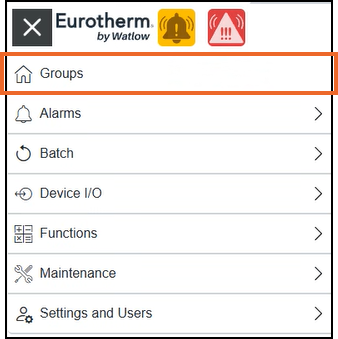
-
The Groups screen displays, from the required group card, select Options
 - Group Messages: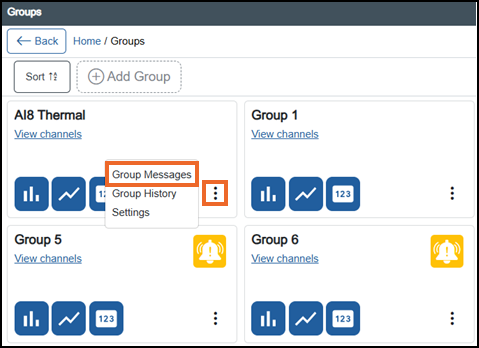
-
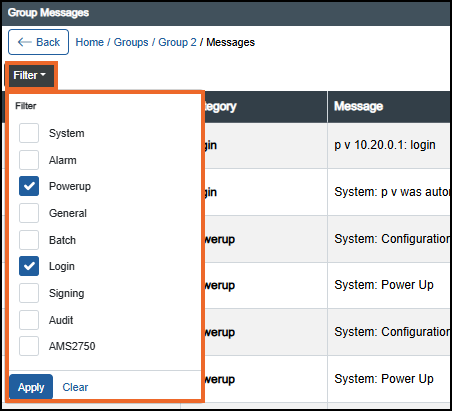
The Group Messages screen displays, select Filter from the left-hand side:
-
Tick the filter options as required from the available list. For detailed explanation of each category, see Viewing Group Messages
-
Select either:
-
Apply
 to apply the filter, or
 -
Clear
 to clear the filters. All messages display again.
-
Last update - July 2026